Test OCPP and OCPI without hardware
OCPP 1.6 / 2.0.1 / 2.1 OCPI 2.1.1 / 2.2.1 / 2.3.0
Browser-based OCPP and OCPI emulator for CSMS and roaming QA. Spin up virtual charge points, inspect every message in real time, and share replayable logs with your team.
Set up a virtual charger in about 2 minutes. Free to start.
Add a virtual charger and start a session in OCPPLab
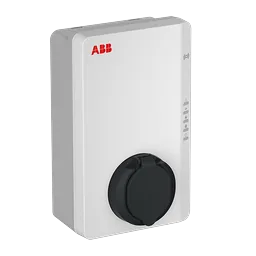
Charger catalog
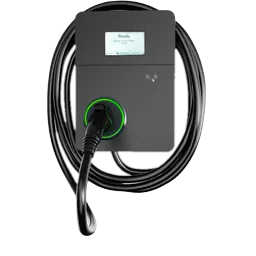
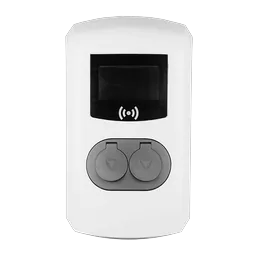
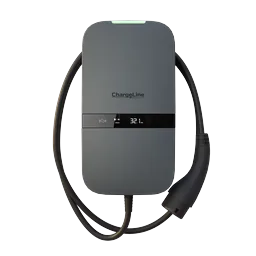
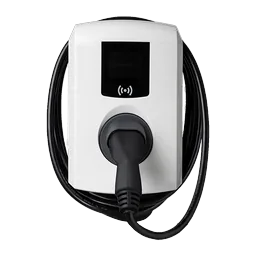
Run virtual chargers modeled on charger brands in the OCPPLab catalog.
Catalog models carry connector layouts, current types, and power ratings for CSMS testing. Brand names identify the hardware a model is based on; they are not customers or partners.
- Terra AC Wallbox
- Elvi
- Eve Single Pro-line
- Pulsar Plus
- KempowerSatellite
- ZaptecGo 2
Real OCPP-J and OCPI frames, with a guide for every shipped version


EEBUS and Modbus are adjacent energy and industrial standards, not product modules.
Deploy chargers from code, pick real models, simulate a roaming partner
OCPPLab SDK
Deploy virtual chargers from Python or TypeScript and point them at your CSMS, one call per charger.
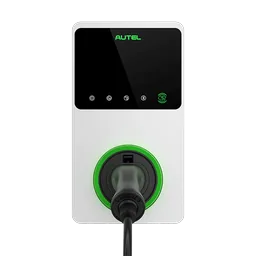
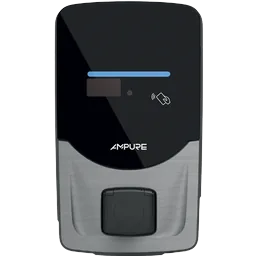
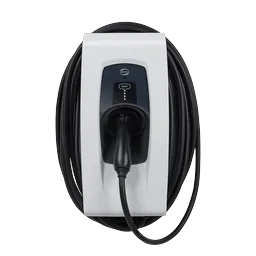
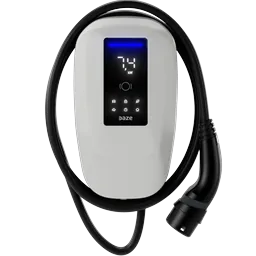
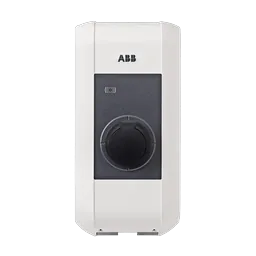
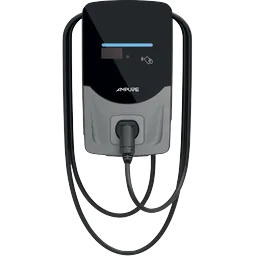
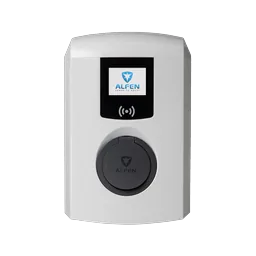
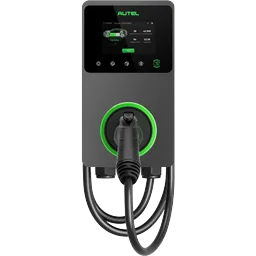
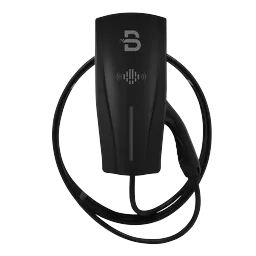
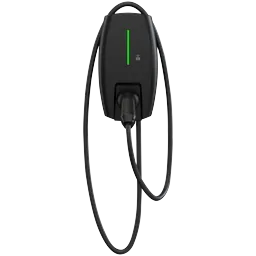
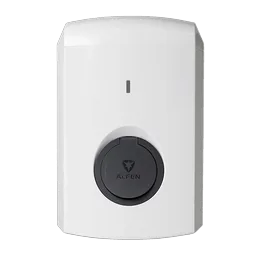
Virtual hardware profiles
Run chargers modeled on real catalog hardware. Test your software across OCPP 1.6 / 2.0.1 / 2.1 without physical units.
Roaming partner simulation
Test Locations, Tokens, Sessions, Commands, and CDR flows with virtual roaming partners.
Testing principle
Hardware labs still matter, but they should confirm behavior you already rehearsed. Make the first integration failure happen in a browser, not during a field rollout.
Six areas, one sign-in
Virtual charger
Fleet, sites, logs, workflows, and playgrounds for hardware-free OCPP simulation.
Charging
Charger list, OCPP map, and station detail for the charge points you operate.
OCPP proxy
Backends, tokens, routes, and a message log for charger traffic.
Roaming
Partners, OCPI catalog, sync, commands, and charging profiles in one workspace.
Observability
Health hub for the charger, CSMS, and roaming paths you run.
Operator assistant
Chat on the home screen for questions about your charging data.
Put OCPPLab before the field trial
Run the OCPPLab simulator against your CSMS on every release. A failed case opens on the frame that caused it, so the fix starts from the message.
Reproduce field bugs
Replay the charger, authorization, transaction, or roaming path that failed without waiting for the same hardware state.
Onboard chargers
Create model-like EV charger profiles, connect them to your CSMS, and verify setup before devices arrive on site.
Validate roaming partners
Check OCPI data and commands before a real CPO, eMSP, hub, or network partner is on the critical path.
Run release checks
Turn repeated manual checks into workflow runs with logs your team can inspect after every product change.
Questions on protocols, charger profiles, scale, security and pricing
Run your first CSMS test without hardware
Start free and launch your first virtual EV charger in minutes, or book a technical demo and run a real scenario against your stack with our OCPP simulator.
- No credit card required
- Virtual charger in about 2 minutes
OCPP simulator and EV charging software guides
7 min read
OCPP AI Agents for EV Charging: A Complete Guide
How OCPP AI agents automate EV charging across 5 use cases — fault diagnosis to smart charging — plus architecture, guardrails, and how to test them safely.
Read guide
7 min read
LLM vs SLM for EV Charging: How to Choose the Right Model
LLM vs SLM for EV charging software: when to use each across OCPP fault triage, edge monitoring, and AI agents, plus a hybrid pattern for 5,000+ chargers.
Read guide
8 min read
Best OCPP Simulators & Emulators in 2026 Compared
Compare the 4 best OCPP simulators and emulators for CPMS testing: cloud platforms, open-source libraries, and field tools for OCPP 1.6 and 2.0.1 workflows.
Read guide