Charge sessions
OCPP charge sessions in Dashboard: energy, stop reasons, and how to open a test session.
Path: /dashboard/charge-sessions
Sidebar: Charging (also under charger detail)
Charge sessions lists OCPP transactions for your organization—live and historical.
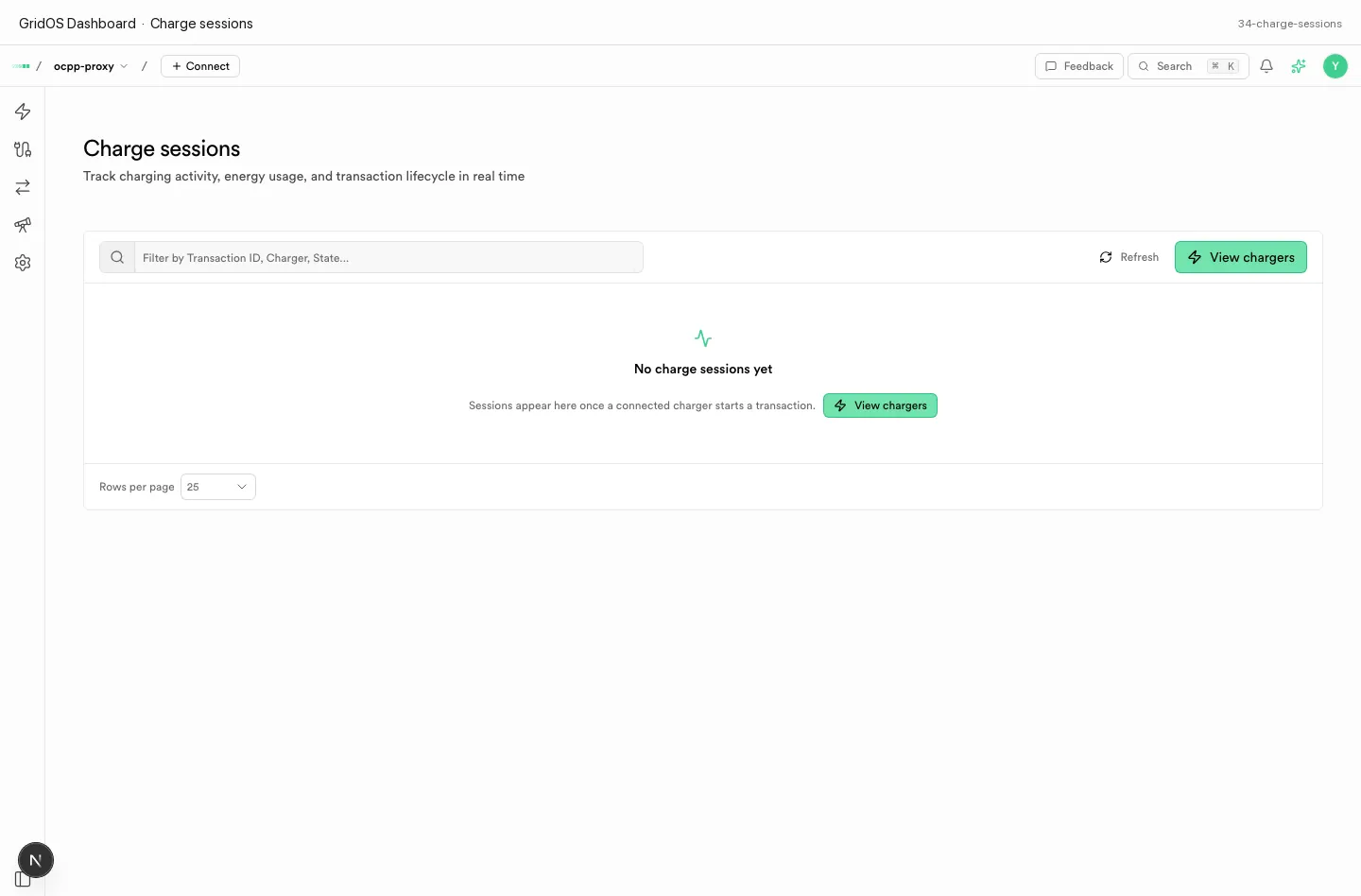
Charge sessions — transaction lifecycle, energy, and stop metadata.
What you see
| Field / area | Meaning |
|---|---|
| Session id | Platform id for the transaction |
| Charger | Charge point that ran the session |
| Start / stop | Session window |
| Energy | Delivered energy when meter data is available |
| Stop reason | Why the session ended (station, remote, error, …) |
| Empty state | Honest empty list when no sessions exist yet |
How to use it
- Run a short charge on a station that is Online.
- Open Charge sessions and find the new row.
- Open the session for meter values and stop detail when diagnosing billing or CDR gaps.
- For roaming settlement records, also check Roaming CDRs.