Managed chargers
Fleet inventory of OCPP charge points: connection state, filters, and how to add a charger.
Path: /dashboard/chargers
Sidebar: Charging → Managed chargers
Managed chargers is the inventory of charge points for your organization.
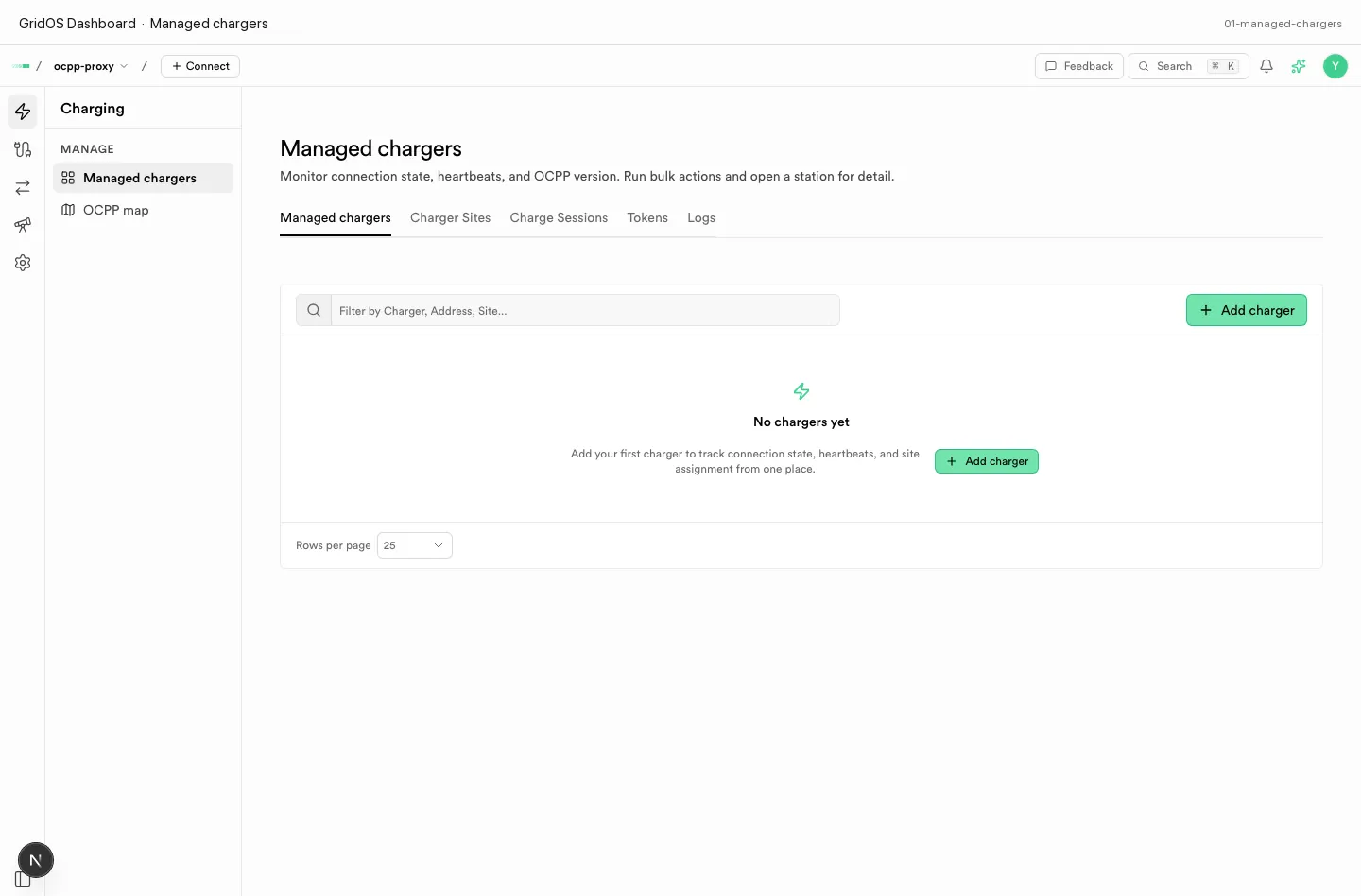
Managed chargers — connection state, heartbeats, OCPP version, filters, and Add charger.
What you see
| Column / control | Meaning |
|---|---|
| Identity / name | Charge point id used on OCPP |
| Connection state | Online, Offline, Stale, or Never connected |
| Heartbeat | Last successful heartbeat time when known |
| OCPP version | 1.6 or 2.0.1 as registered |
| Site / location | Assigned charging site when set |
| Filter / search | Narrow by charger, address, or site |
| Add charger | Opens the Create a charger sheet |
| Row open | Charger detail (connectors, sessions, config, logs, firmware, …) |
In-page tabs may also expose sites, sessions, tokens, and logs next to the list.
Add a charger
- Click Add charger.
- Fill every required field — see the full tutorial: Create a charger.
- Save. The row appears as Never connected until the station boots into GridOS.
Connection states
| State | Meaning |
|---|---|
| Online | Authenticated session with recent heartbeat |
| Offline | Was known; not currently connected |
| Stale | Online flag with an old heartbeat |
| Never connected | Inventory only; no successful connection yet |
Empty lists say there are no chargers yet—Dashboard does not invent demo fleets.