Logs
Explore charger and protocol messages in the Dashboard when diagnosing OCPP issues.
Path: /dashboard/logs
Sidebar: Charging area (logs leaf)
Logs is the exploration surface for charger and protocol messages when connection or session behavior looks wrong.
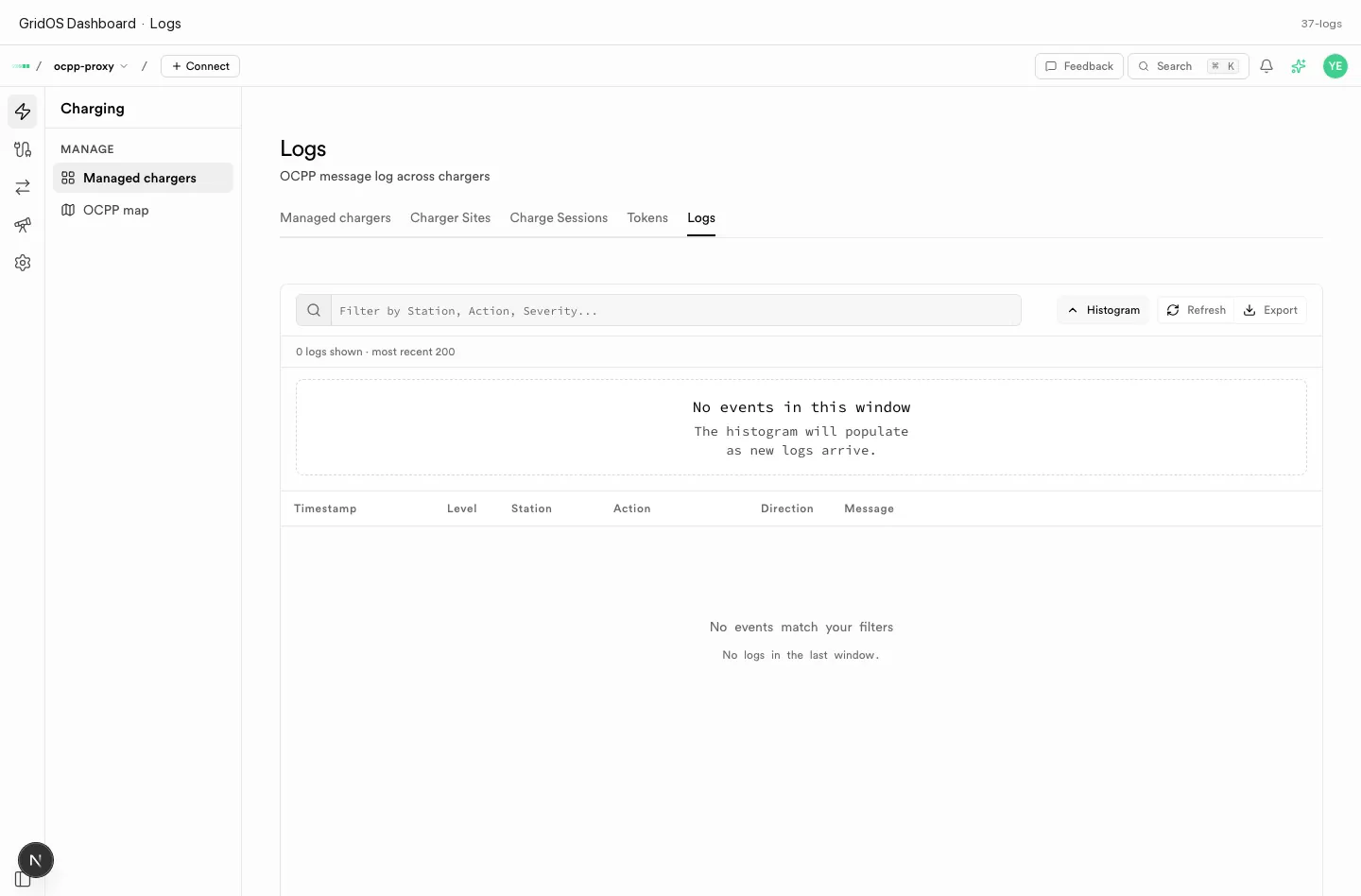
Logs — protocol and charger message exploration.
What you see
| Field / area | Meaning |
|---|---|
| Message / action | OCPP action or log event name |
| Direction / party | Station vs central system context when shown |
| Time | When the event was recorded |
| Payload / detail | Drill-in for reject reasons and field values |
How to use it
- Reproduce the issue (boot, remote start, session stop).
- Open Logs (or proxy wire logs under Proxy).
- Confirm
BootNotification,Authorize,StartTransaction/ transaction events as expected for the OCPP version. - Fix identity, TLS, or auth before retesting.