Proxy
OCPP proxy in Dashboard: backends, chargers, routes, live sessions, and wire logs with screenshots.
Path: /dashboard/ocpp-proxy
Sidebar: Proxy area (tabs for backends, chargers, routes, sessions, logs)
The proxy lets GridOS sit between chargers and one or more CPMS backends. Chargers keep one stable field URL while you change backends and routes behind the gateway.
Backends
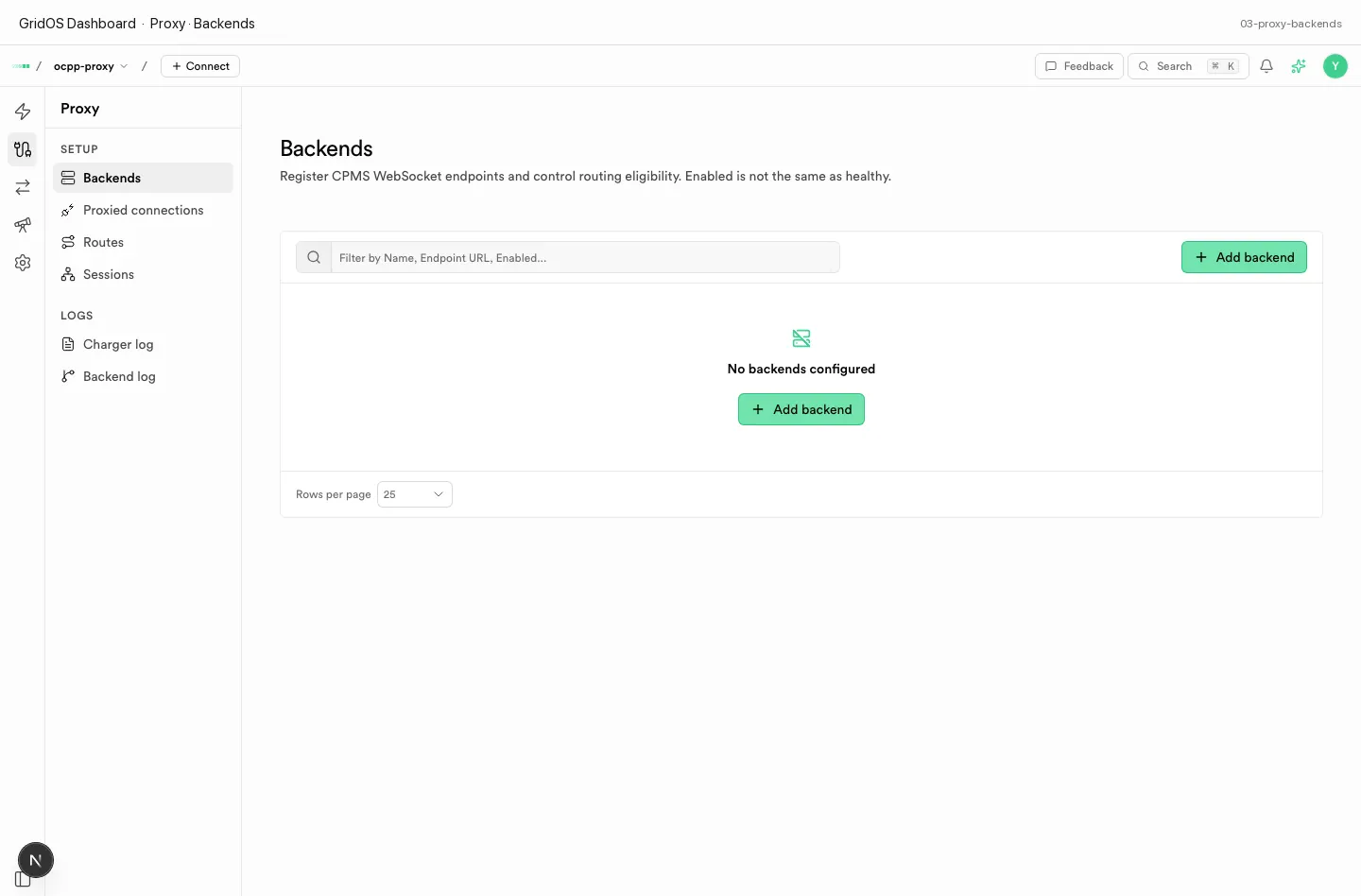
Proxy · Backends — CPMS endpoints, credentials, and eligibility.
| Concept | Meaning |
|---|---|
| Backend | Upstream CPMS WebSocket / OCPP endpoint |
| Credentials | How GridOS authenticates to that CPMS |
| Eligibility | Whether the backend can receive traffic |
Proxy chargers
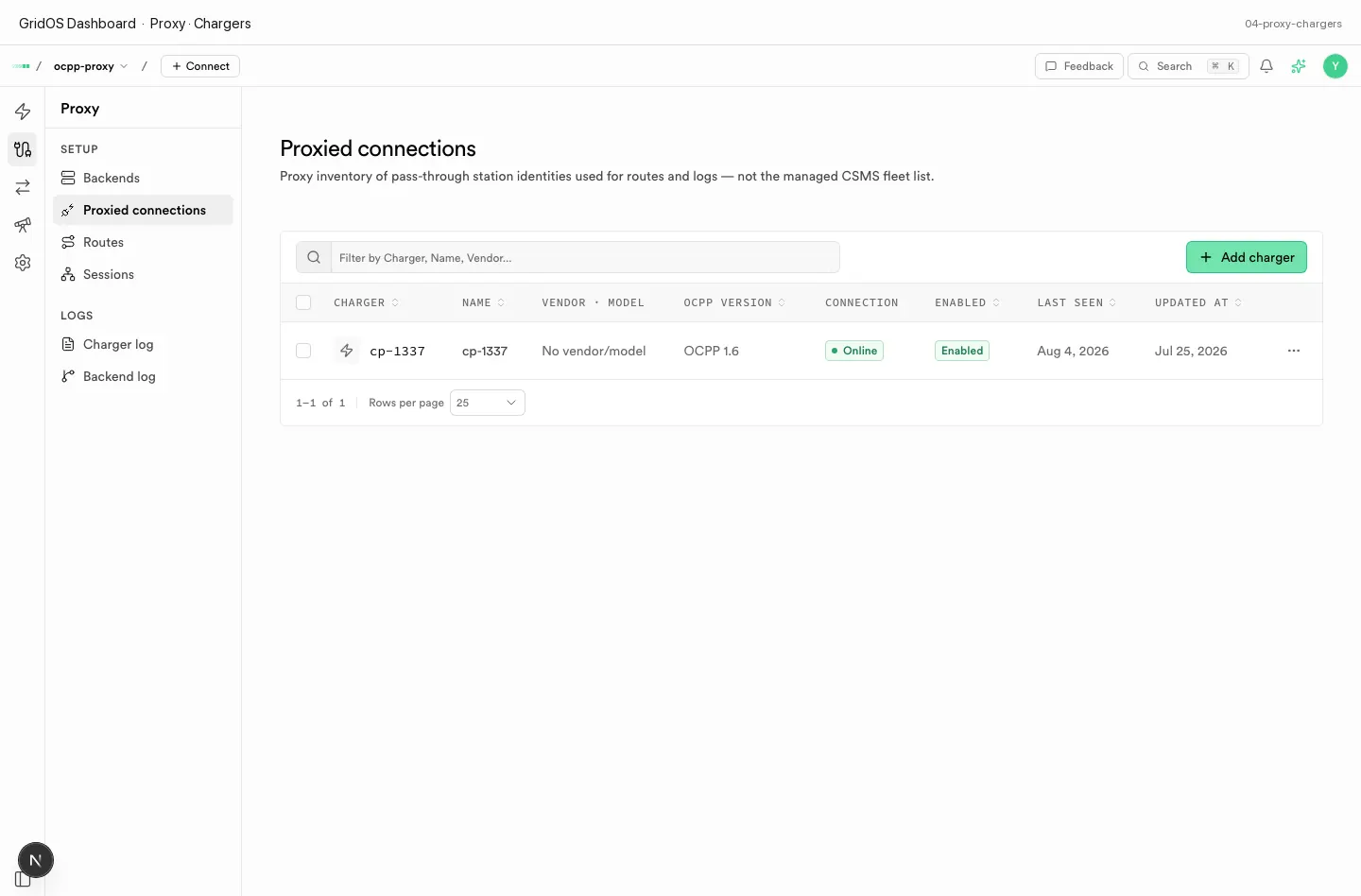
Proxy · Chargers — stations attached to the proxy path.
Stations here are on the GridOS proxy path (as opposed to only managed CSMS mode).
Routes
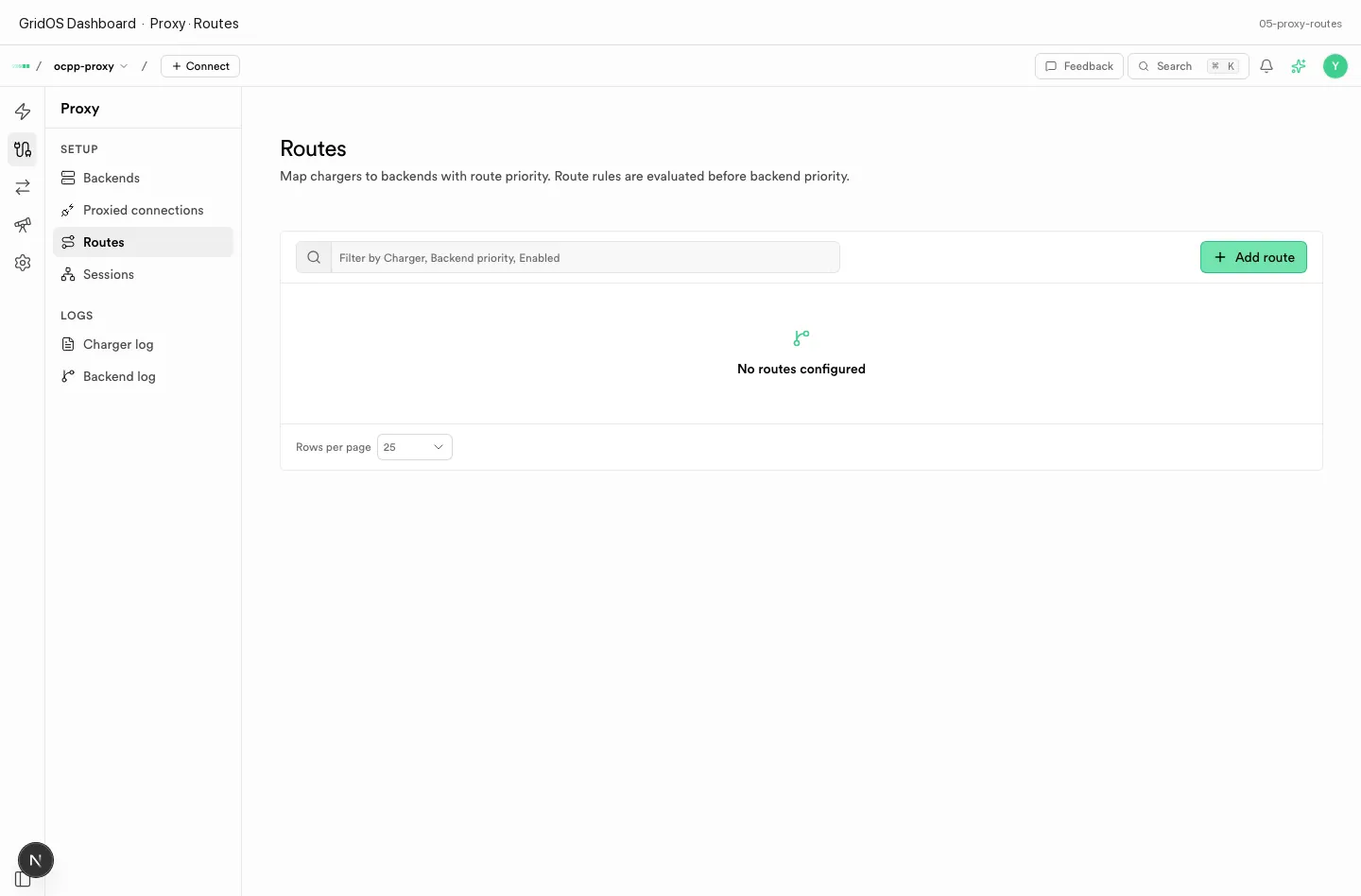
Proxy · Routes — charger → backend mapping, priority, active/inactive.
| Field | Meaning |
|---|---|
| Charger | Which station is mapped |
| Backend | Destination CPMS |
| Priority | Order when multiple routes exist |
| Active / inactive | Whether the route is live |
Sessions
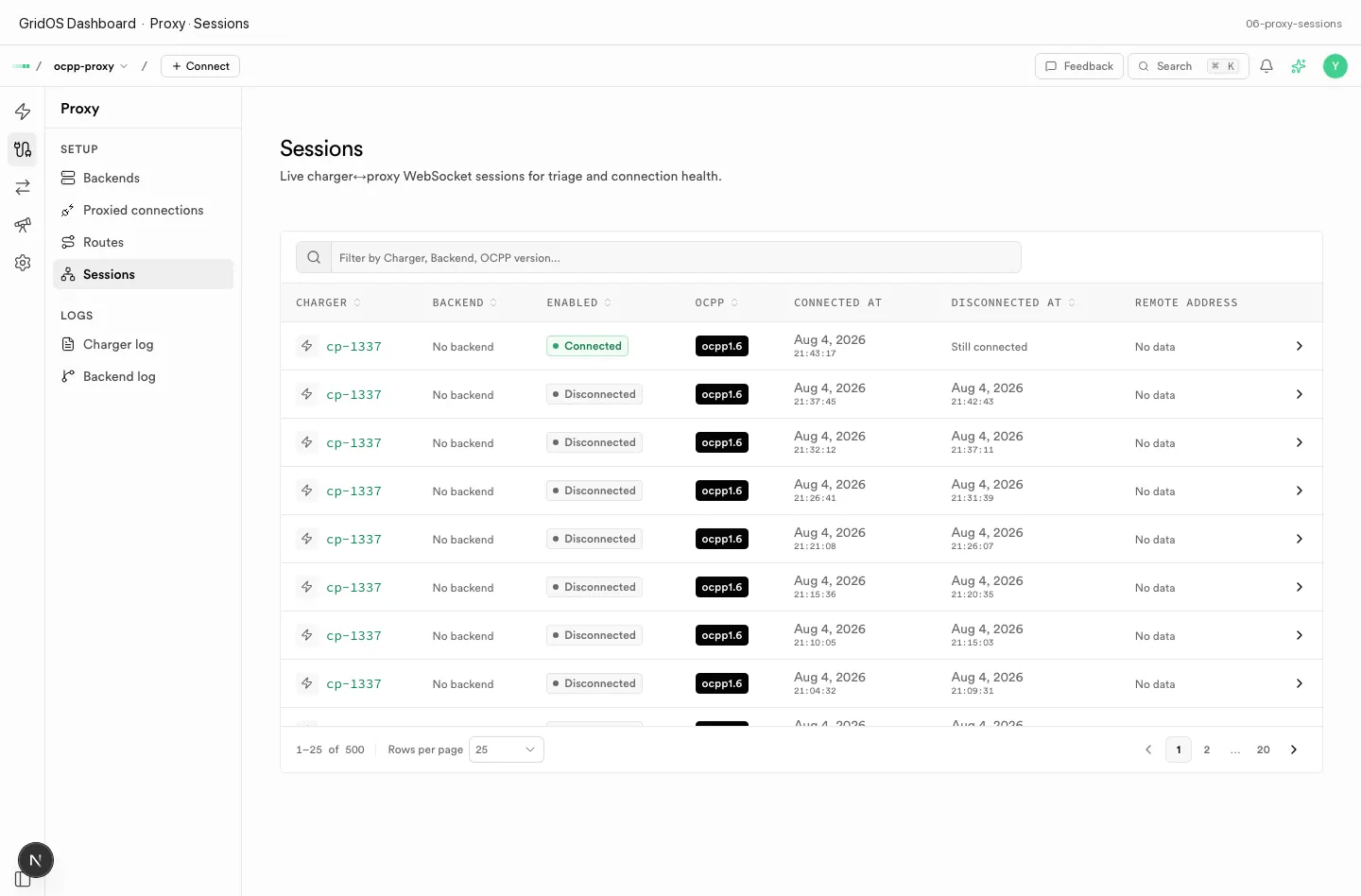
Proxy · Sessions — live charger↔proxy WebSocket sessions.
Use this tab during dual-run migrations to confirm the station is connected to GridOS.
Wire logs
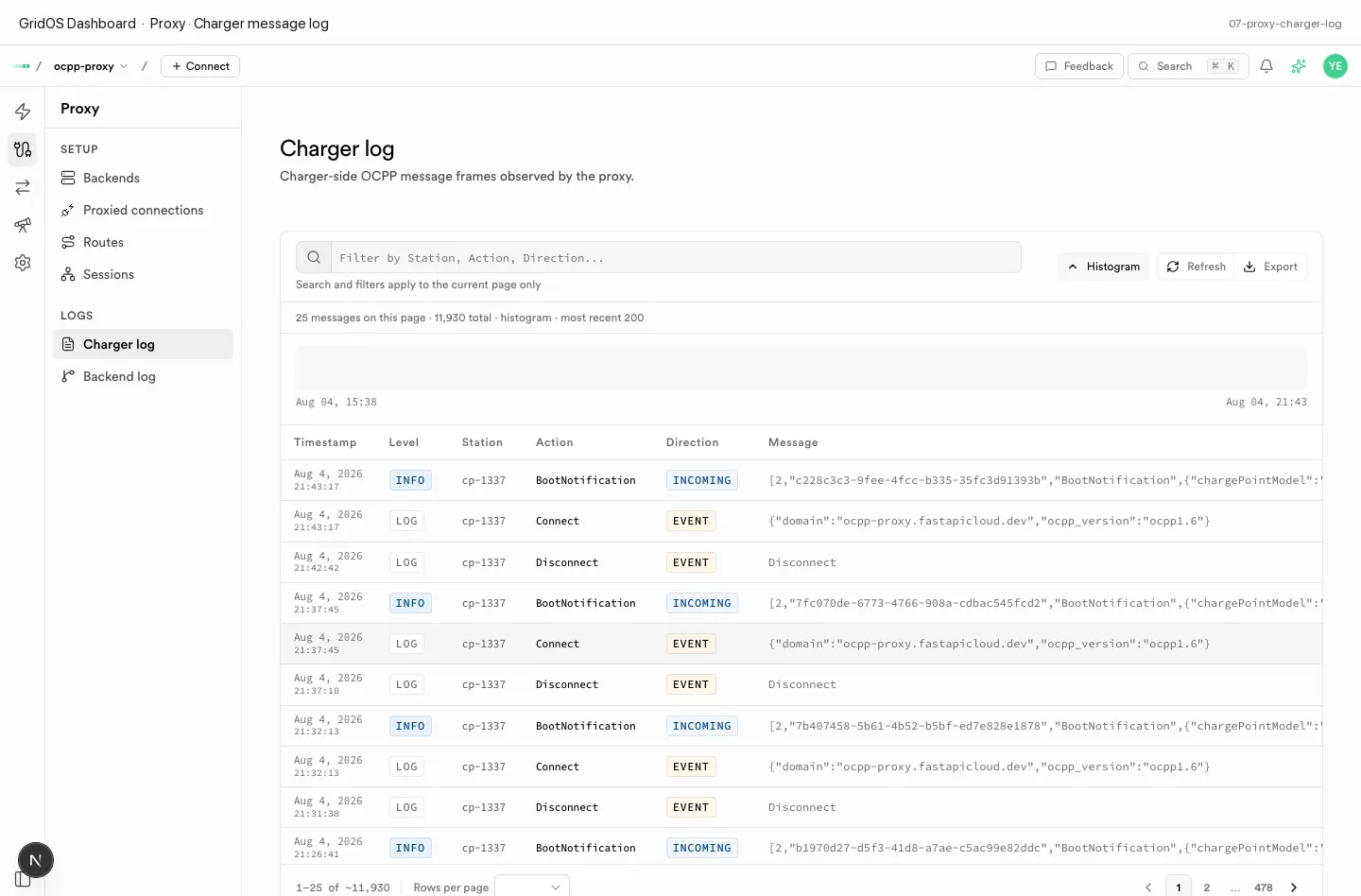
Proxy · Charger log — station-side OCPP wire messages.
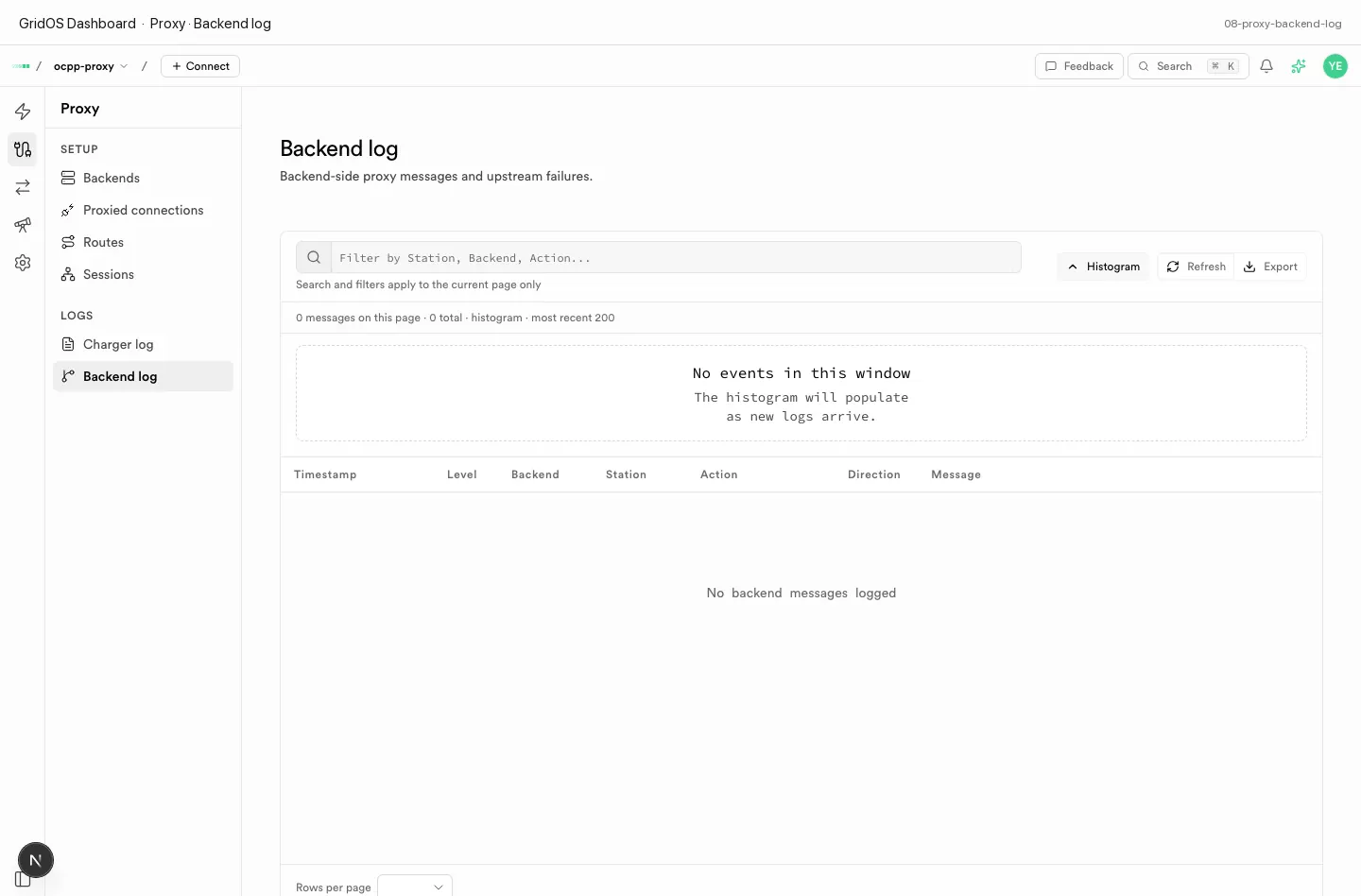
Proxy · Backend log — traffic toward upstream CPMS.
Operator flow
- Point chargers at the GridOS OCPP URL — Connect a charger.
- Define Backends for each CPMS.
- Attach chargers and create Routes.
- Watch Sessions, then Charger log / Backend log when something fails.
Deep dive: Connecting to your CPMS.